
I’m Using GPUI For Everything
Executive Summary
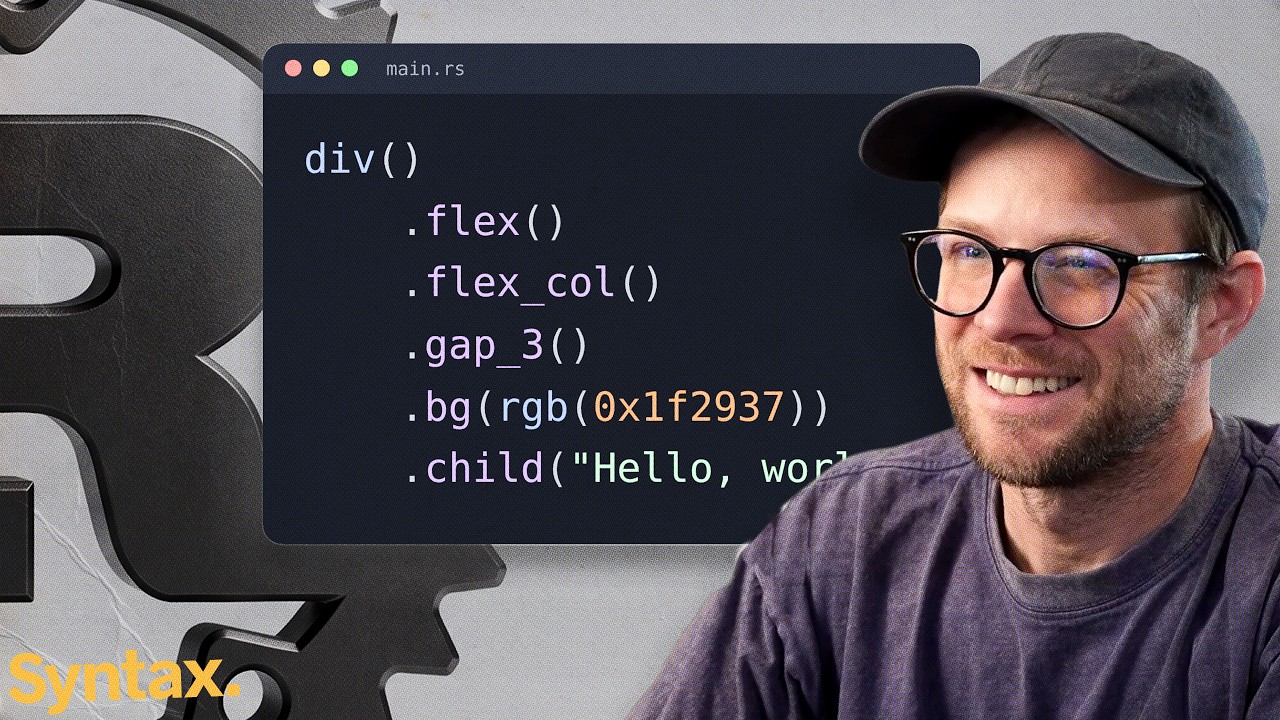
In this solo-topic episode, Scott Tolinski walks Wes Bos through GPUI, the Zed team's GPU-accelerated UI framework for Rust desktop applications, and argues it has replaced Electron and Tauri in his own workflow. The framing is a web developer's tour: GPUI keeps a React-shaped mental model — components, props, state, a render function, and an explicit notify — while styling becomes chained inline methods that read like Tailwind. A live doc check finds flexbox but no CSS grid, and the GPUI Kit component library is presented as the practical unlock, with its data table and virtualization called out. The middle of the episode handles community friction: the GPUI CE fork exists because contributors feel the Zed team prioritizes its own needs, and a maintainer quote explains why GPUI Kit will not support the fork. Scott demonstrates the small personal utilities he has already shipped with GPUI — a multi-machine project monitor, a Hazel-style file automator, a window-placement tool — and grounds the whole pitch in size economics: DaisyDisk updates at eight megabytes where an Electron counterpart would ship roughly 267 MB of Chromium. The downsides are stated plainly: nothing is native UI, the web target is WASM rather than the DOM, the ecosystem is young, the platform is desktop-only in practice, and testing requires computer-use tooling, which he addresses with his own accessibility-tree-driven Jev test project. His verdict: not for mobile or web, excellent for small native desktop software, with AI agents writing the Rust competently.
Chapters & Key Takeaways
9 takeawaysGPUI gives web developers a React-shaped API — components, props, state, render, and an explicit notify — inside a native Rust program, so the transfer cost from React is low.
Scott's case against native-webview desktop apps is macOS-specific: WKWebView's feature set is poor and unpredictable because no engine version is pinned, while Electron lets you ship a known Chromium.
Layout in GPUI today is flexbox-only — no CSS grid in the docs — with programmatic layout in Rust as the workaround.
A GPUI app is one Rust program: UI and logic share a process, so there is no RPC layer to build, and GPUI itself is only the UI layer you attach to an existing application.
GPUI Kit is the practical unlock — a shadcn-scale component library whose data table ships with virtualization and sorting — because nobody should rebuild every component from primitives.
The size economics of native utilities are the episode's concrete anchor: an eight-megabyte DaisyDisk update versus a hypothetical 267 MB Electron build, plus the RAM of an idle Chromium per app.
The GPUI CE fork reflects a community that feels the Zed team ships only self-serving features; the GPUI Kit maintainer declines to support it, arguing only real-world-validated projects improve a framework.
The stated downsides: non-native UI elements, a WASM web port instead of the DOM, a young ecosystem, desktop-only scope in practice, and computer-use rather than browser-automation testing.
Final verdict: wrong tool for mobile or web apps, right tool for fast, small personal desktop software — and AI agents write GPUI's Rust well when given a best-practices skill.
Deep Read
Why Build Desktop Apps with GPUI Instead of Electron?
Scott Tolinski's case on Syntax: for small personal desktop software, a shipped Chromium costs more than it buys. GPUI, the Rust UI framework behind Zed, keeps a React-shaped API in one native program, updates utilities in megabytes via GPUI Kit, and accepts non-native UI, a WASM-only web target, and a young ecosystem as the trade.
Read the full articleInterview Highlights
5 exchanges- Q
Has the GPUI team reimplemented most of what web developers expect from CSS?
Wes Bos asked11:23AScott Tolinski answeredIn Scott's experience the styling layer has covered everything he has tried: shadows, opacity, textures, backgrounds, repeating backgrounds, and spring animations, with a rotating SVG example in the official docs. Styling is written as chained methods on individual elements, which he compares to Tailwind class bloat mixed with jQuery-style chaining, producing long files. That does not bother him much, because AI agents write most of this code and do a good job of it. He does not imagine GPUI covers all of CSS, but nothing he has wanted has been missing so far.
- Q
Does GPUI support both flexbox and CSS grid for layout?
Wes Bos asked12:52AScott Tolinski answeredSearching the docs live, they could find only flexbox — no CSS grid anywhere — and both flag that as a real limitation of GPUI today. Scott notes you can still measure elements and do much of the layout programmatically in Rust, and that web developers managed before CSS grid existed; Wes adds a subgrid-style gap may be what you run into. The layout story right now is flex-only.
- Q
Does a GPUI app need a separate backend for heavy work like video processing, or does the logic live in the same program?
Wes Bos asked14:18AScott Tolinski answeredNo separate backend is needed. A GPUI app is one Rust program: UI and logic live in the same codebase, so calling a function is a direct call, eliminating the RPC layer an Electron app needs between its processes. Scott stresses GPUI is only the UI layer — you attach it to an existing Rust application and choose your own architecture, whereas Electron is more opinionated about that split.
- Q
Why build small personal utilities as native GPUI apps instead of shipping Electron apps?
Wes Bos asked22:48AScott Tolinski answeredNative utilities stay tiny. Scott points to DaisyDisk, whose update was eight megabytes — an Electron version of the same tool, he says, would likely ship 267 MB and idle in RAM. For always-on helpers like file automation or duplicate checkers he wants thin, light, and fast. Wes agrees completely: he does not want a separate Chromium instance for every small idea, and for that reason is rewriting his own video recorder as a lean GPUI app.
- Q
What are the main downsides of building desktop apps with GPUI?
Wes Bos asked27:08AScott Tolinski answeredThe biggest downside is that UI elements are not native: you do not get Mac-native Liquid Glass or platform-native looks for free — you would reimplement them in GPUI, which hurts some developers and suits others who want full control (his current theme is deliberately custom, 'Wes Bos coded'). There is no browser DOM: the web port compiles to WASM rather than using the real DOM. The ecosystem is young — GPUI Kit is the main component library, resources are thin, and Scott leans on AI agents plus a Rust best-practices skill to write it. It is not a write-once-deploy-everywhere platform: no React Native-style native mobile, web, and desktop from one codebase, and he uses it for native desktop only. Testing needs computer-use agents rather than browser automation, though he built an early Jev-driven tool that tests GPUI apps through their accessibility tree without screenshots.